
Peer-to-peer file transfer · Windows and macOS
Send files straight to your friends, family and colleagues. No middleman.
Any size. Encrypted end to end. Chat and calls built in.
Free. Plugins $10 each.
 @minaonline
Today

vlad14:02
did the bust ever get retopo'd?
mina14:03
yeah, sending it straight out of max
vlad14:04
opening it now
Private by design
Only you and them can read it.
 vladYou
here's the cut, tell me what you think
 minaThem
here's the cut, tell me what you think
Locked on your machine. Unlocked only on theirs.
Encrypted end to end
Only the people in the conversation can read it.
No copy kept
Files and messages stay on your machines.
No size cap
Whole folders too. Nothing to zip first.
The trade: nothing waits on a server, so a file moves while you are both online.
How it works
Three steps. No links.
STEP 01
Add a friend
Send them your invite code once.
STEP 02
Drop in a file
Or a whole folder. Any size.
STEP 03
It lands on theirs
Straight to their machine. Nothing in between.
Also in the box
Talk about it. Show it.
Calls and screen sharing
Show your screen. They can draw on it.
@minaonlineToday
vlad11:20
how far did you get last night?
mina11:24
nearly there, the ending still drags
I'll send it the moment it's done
vlad11:25
no rush
mina13:58
new cut is in, the whole folder
vlad14:01
minanew cut is in, the whole folder
watching it now
the opening is so much tighter
mina14:03
call me when you get to the end?
Private chat
One to one, or a group.
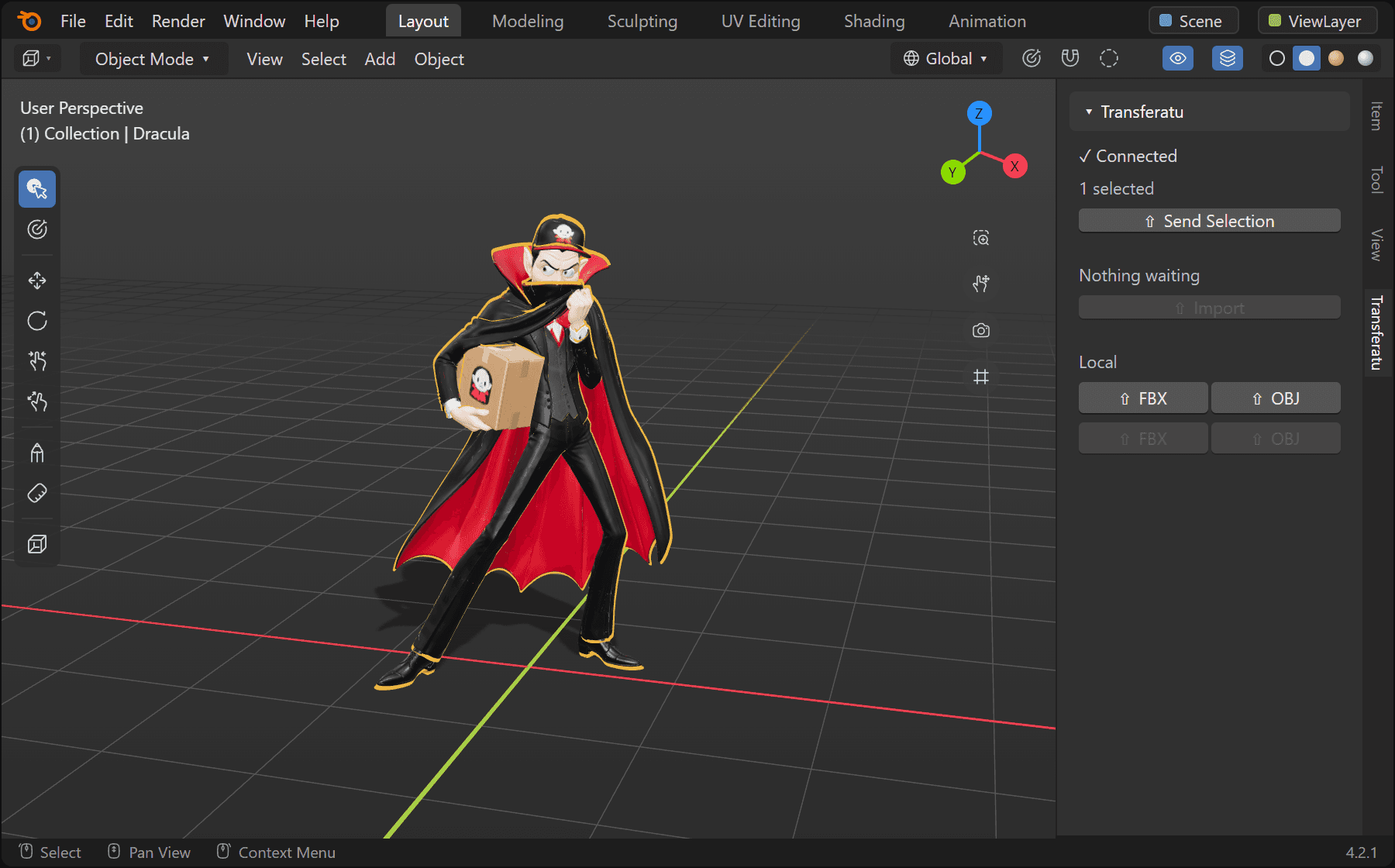
Your Blender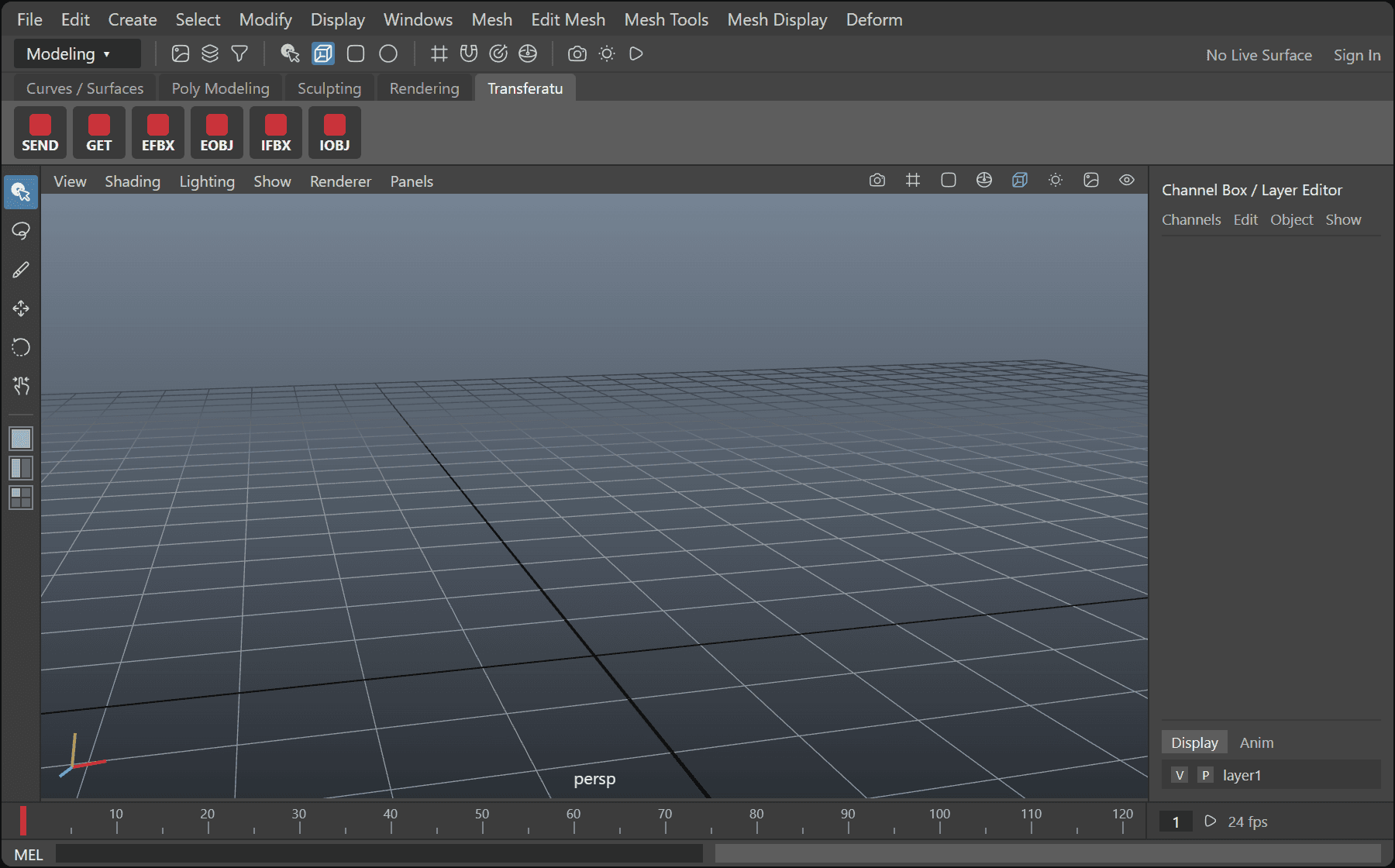
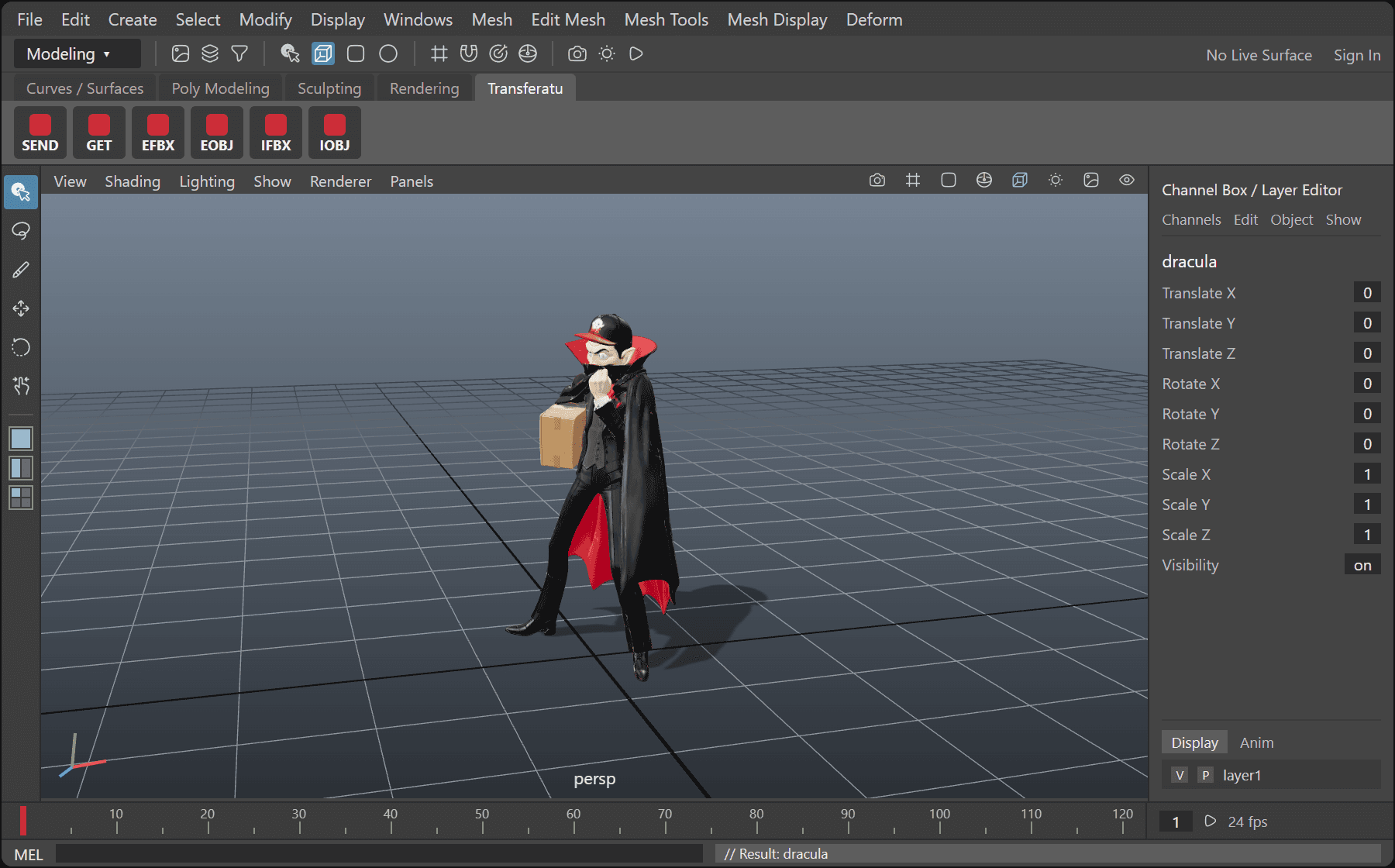
From your viewport to theirs
Select it in Blender and press Send. It lands in their Maya scene.
- 3ds Max
- Maya
- Blender
- ZBrush
Pricing
Free app. Paid plugins.
Send, chat and call for free. Pay once to send straight out of your 3D app, with no exporting and no attaching.
The app
$0for good
Everything, for everyone.
Files of any size, private chat, groups, calls and screen sharing. No trial and no limit on machines. A small sponsor link sits in the sidebar.
3D plugins
$10each, once
Skip the export.
Select a model in Blender, Maya, 3ds Max or ZBrush, press Send, pick a friend. It arrives in their 3D app. No saving, exporting or attaching. Your first 10 sends with each plugin are on us. Receiving is always free.
Supporter
First 50$49
$100onceGet everything. Keep transferatu going.
Every plugin, including the ones still to come, and no sponsor link. $49 for the first 50 supporters. After that, $100.
Plugins and the supporter seat are bought inside the app.
Questions